How VizTerra is the Right Professional 3D Landscape Design Software to Increase Your Sales

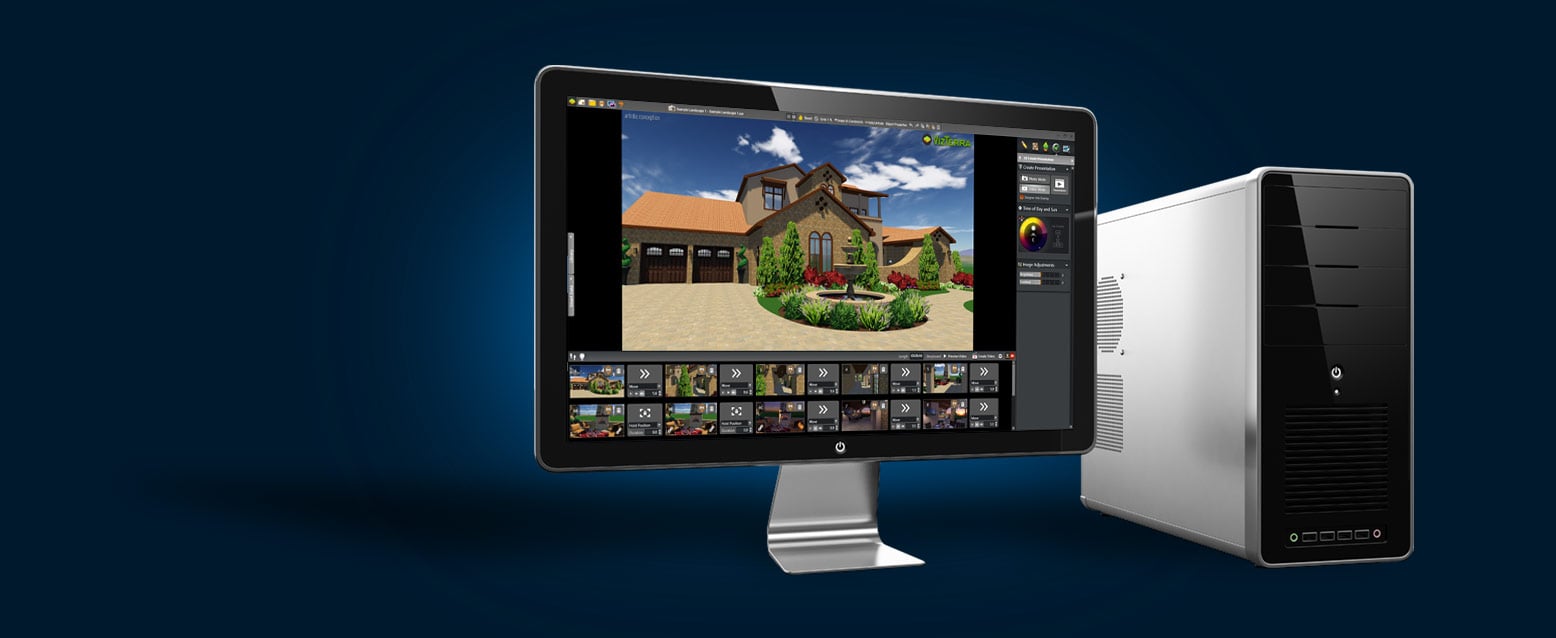
Choosing the right professional 3D landscape design software is a crucial decision as you carefully plan how to grow your business, gain more clients, and increase your overall profits. Making the wrong software choice will not only cost you money, but waste valuable time and resources. Therefore, it is critical to research both the technical features of the software as well as the available support options. This allows you to choose the software which best fits your professional needs. As we consider the key factors in choosing 3D software, we shall compare each with VizTerra, the professional 3D landscape design software from Structure Studios.

Landscape Design - Created with VizTerra, 3D Landscape Design Software Try it before you buy it. There is no real way to test if a professional 3D design software programs meets your specific needs unless there is some way to test to software before you buy it. Therefore the first factor to consider in choosing software is whether it has a demo or trial version you can try for free. It is never a good decision to purchase software without trying it for free first.

Every software program has specific hardware requirements. Therefore one of the most important reasons to try software out first is to see if it will run on your current computer or whether you may need to invest in additional hardware. If you can try a demo version of the software first, you may end up spending a large amount of money for a program you cannot even install and run on your computer.

The demo or trial version should also be easy to get. It should be easy to find on the software company’s website and be offered as a free download or free demo disk by mail. You should be very careful about so-called “free” trials that require you buy the software first. The hardware requirements should be clearly listed on the website or on the demo packaging. If your hardware does not meet the minimum requirements, guidelines should be provided about your options.

The demo should allow you to actually use the program to create a design. This will allow you to fully evaluate all the features of the software. Demos which contain only videos or slide show will not help you determine if the software is right for you. You need to be able to use enough of the program to make an informed choice.

VizTerra, the professional 3D landscape software, offers prospective users the choice of a free demo which can be downloaded or a free demo disk mailed out, both options can be easily selected at from www.StructureStudios.com. The VizTerra demo allows you to complete an entire design and shows all the features of VizTerra. The hardware requirements are clearly listed for VizTerra as well as suggestions for hardware upgrades. Structure Studios’ support department will answer any hardware questions demo users may have.

Landscape Design - Created with VizTerra, 3D Landscape Design Software Easy to learn and use. Ok, so you are trying the program out for free, that’s a great start. Now you need to decide if you are actually going to be able to use this software. Keep in mind that some professional landscape design software requires years of education and training to master. For a program to really meet your needs, you have to feel confident to use it on every design. It has to be easy enough to save you time on every design. Programs that are so complicated they take more time to design with than hand drawing will not make your design process more efficient and will not increase your profits. You also want to avoid software that was designed for the expert computer user. Such programs may use confusing control and menu systems. If the software has been well designed, you should be able to understand the basic features and tools the very first time you use it. As well, new users should be comfortable using it after attending one or two classes or online tutorials. When determining if a program is easy to use and meets your needs, you must also consider the training offered by the software company. We will discuss this in more detail later in this article. For now, keep in mind that even the easiest to use software will be extremely difficult to learn if absolutely no training is offered.

VizTerra was created with the landscape designer in mind. Its tools and design system are easy to use, even for those without experience using a computer. Most new users to VizTerra rate their comfort level using the program “very high” after attending one training class. Structure Studios offers a wide range of free training along with training videos and other online support.

Landscape Design - Created with VizTerra, 3D Landscape Design Software Actually allows you to draw. As you test out professional 3D design software, you must be aware of an important distinction. Professional level design software allows you to draw custom elements such as structures and hardscapes to the exact specifications and measurements required for your project. All programs have templates and pre-rendered items, but if the program you are trying out only has premade 3D items, it is not true design software. Design software is only useful for real world construction when you can draw your own elements with real measurements.

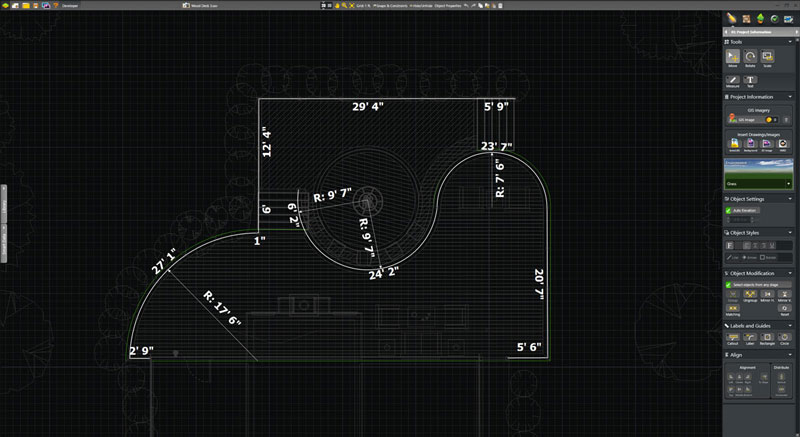
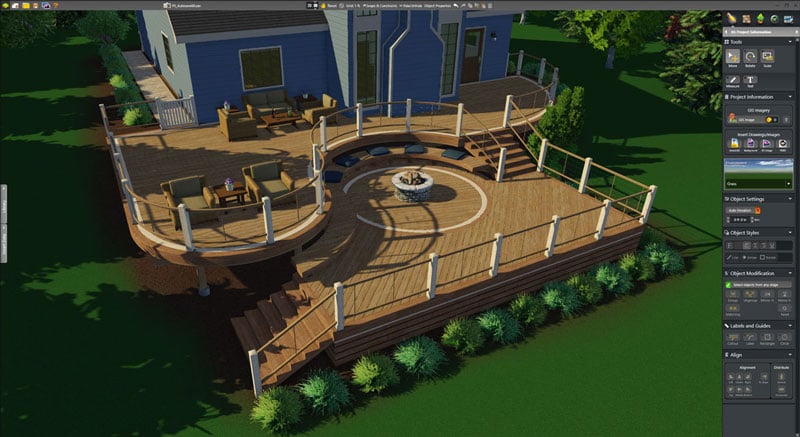
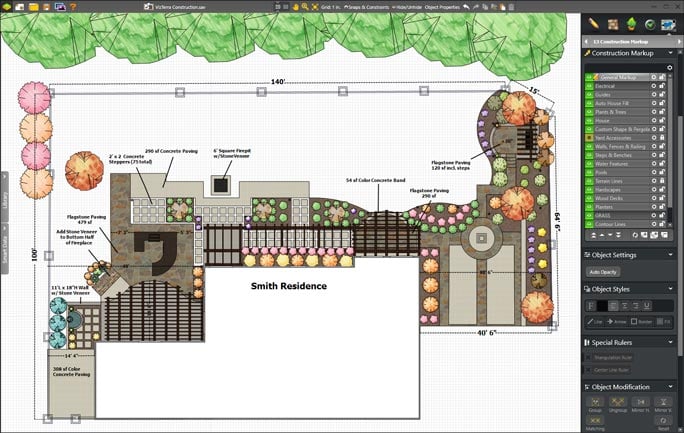
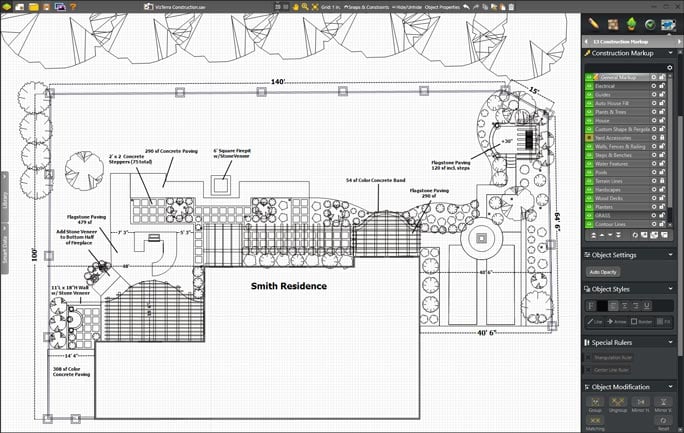
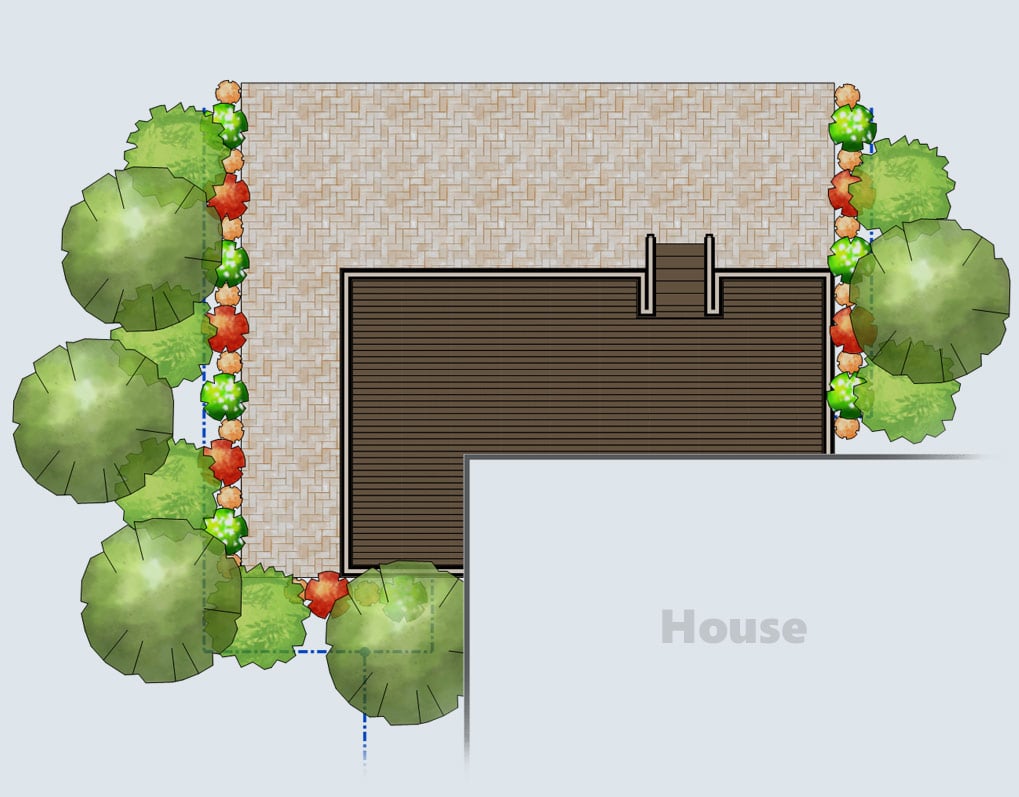
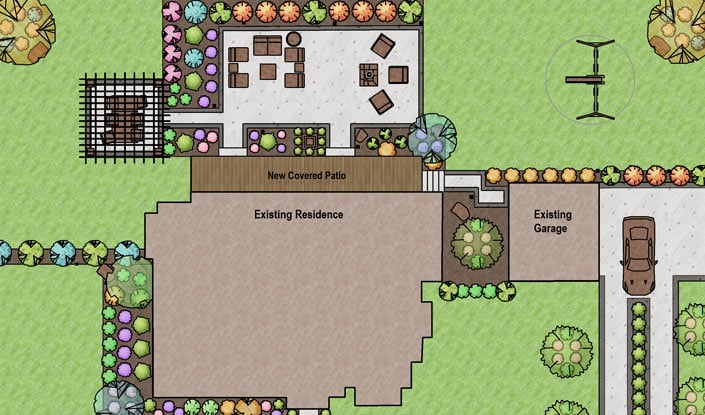
VizTerra features a powerful set of design tools allowing the user to draw everything in 2D with measurements ready for construction. VizTerra’s powerful “Instant 3D” design system automatically renders everything drawn in 2D into fully interactive 3D.

Features Fully Rendered 3D Landscaping. The core feature of any design software is its ability to show the user’s landscaping design to the customer. Professional 3D landscape design software will feature plants and trees fully rendered in 3D which can be easily inserted into the design. You will also want to note other features about the landscaping system. How are plants and trees listed? Can you display both common names and botanical names for landscaping? How does the symbol system work? Can you assign custom symbols to landscaping? Can you assign container classes to landscaping? The landscaping tools are the most important feature of any professional landscape design software. You will spend more time using these tools than anything else in the program. Make sure any software you choose has all the features you need in easy to use toolsets.

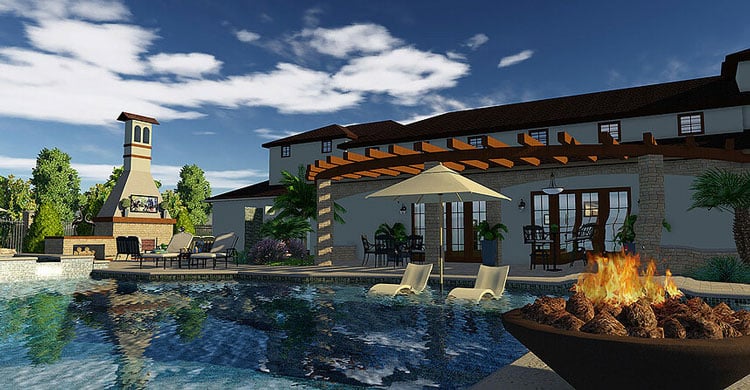
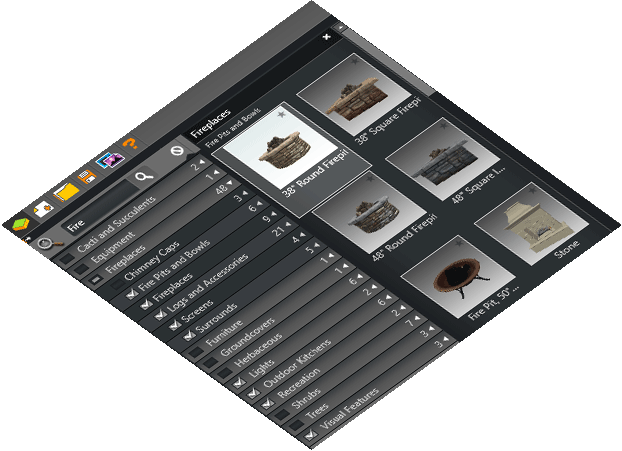
VizTerra features hundreds of fully rendered plant and tree species. Each 3D landscaping element features over 77,000 variations to create the realistic appearance of natural landscaping. Plants and trees are accessed in VizTerra through an easy to use library system. Landscaping can be listed by common or botanical names. Users may choose for over 2,000 industry standard landscaping symbols to assign to landscaping and container classes. Like every feature in VizTerra, the landscaping system is powerful, yet easy to use.

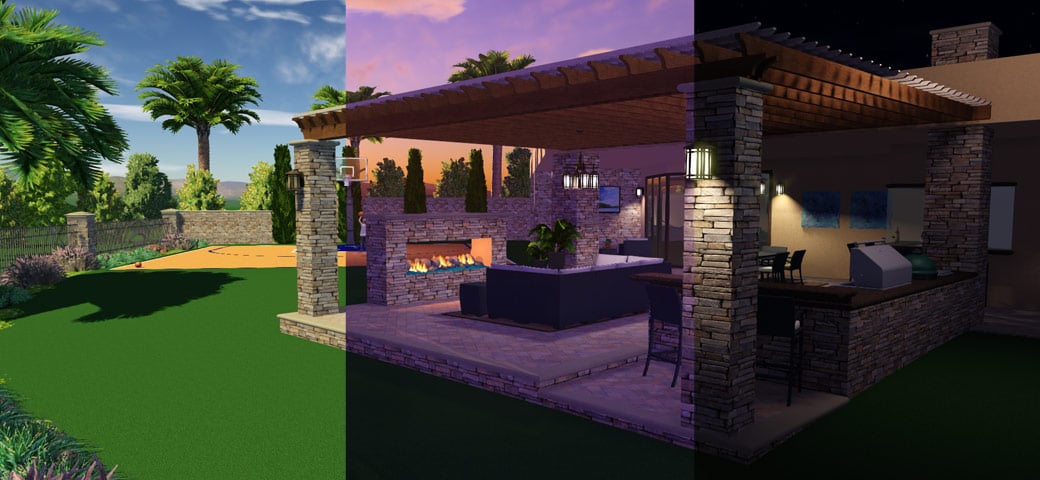
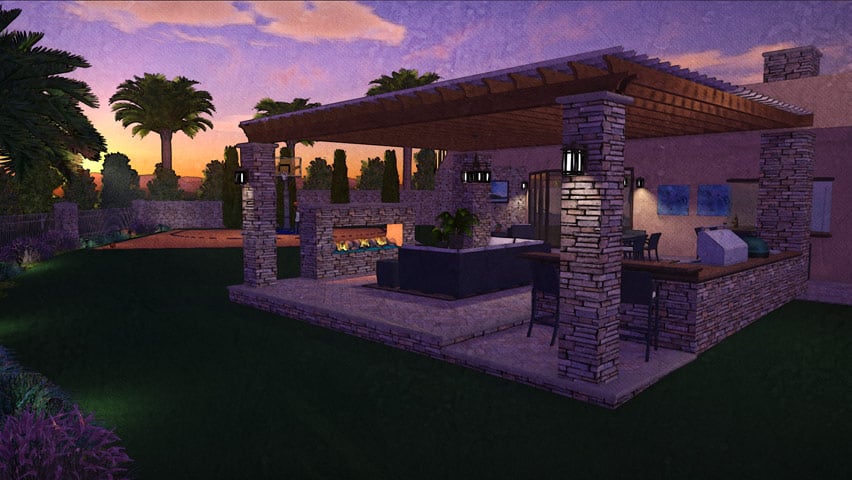
Landscape Design - Created with VizTerra, 3D Landscape Design Software Has a Real Time 3D Presentation. The chief advantage of professional 3D landscape design software is the ability to allow customers to experience a completed design before the start of any construction. Make sure the software you are trying out has an easy to use, fully immersive 3D presentation. Such interactive 3D presentations allow the customer to tour the finished project while being impressed by the fine details of your design. You will also want to examine the controls and details of the presentation system. Are water features such as fountains fully animated? Can you change the time of day? Does it feature a night mode to show landscape lighting? Does the terrain reflect slopes and elevations? Can you take 3D screenshots of the design to send to customers? 3D presentations give customers the confidence to buy by providing the professional technology they expect.

VizTerra features the most interactive 3D presentation available on the market today. VizTerra’s professional 3D presentation fully immerses the customer in the completed project. Control the time of day while fully animated water features and landscaping lighting are shown in the detail only real time 3D can provide.

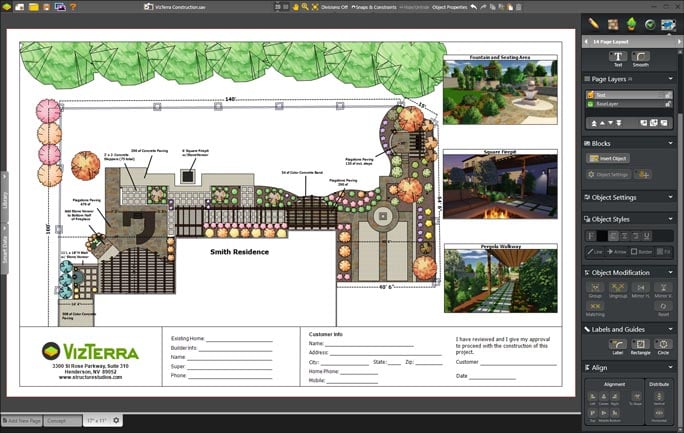
Creates Real Construction Plans. Design software serves its most important purpose by creating ready to build construction plans from your project. Real plans with real measurements and dimensions allow your project to move from the drawing board to the real world. Only the best professional 3D design software offers both fully rendered 3D and accurate construction plans. Watch out for 3D programs that render elements in your design without using precise dimensions. Such programs may display 3D images but do not automatically create build ready plans. Professional software allows you to design in real dimensions, creating construction plans as you design. Design software should allow you to fully customize your construction plans with project information, text, specs, coloring, symbols, fill patterns, images, and logos. The ability to quickly create and customize construction plans is a core advantage of design software.

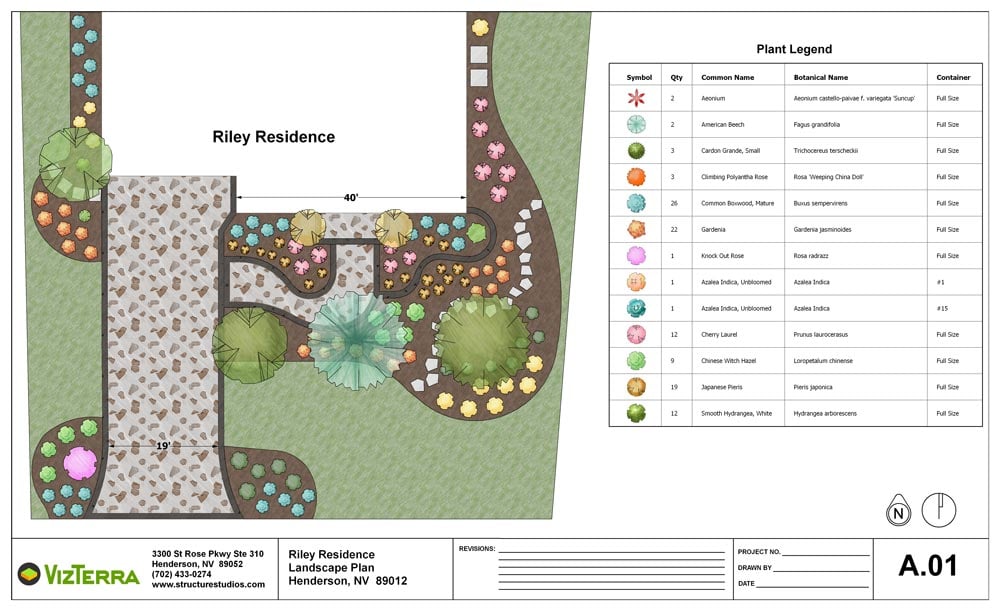
VizTerra allow you to design using real dimensions, thereby automatically creating construction plans as you design. VizTerra construction can be fully customized allowing each page to display your project with information, text, shading and coloring and symbols. 3D screenshots and company logos can also be inserted into the construction pages.

Landscape Design - Created with VizTerra, 3D Landscape Design Software Templates are Easy to Use and Save. Templates are a valuable feature of 3D design software. While it is import to be able to draw your own shapes, using templates saves time when designing. Professional design software should feature an extensive library of premade templates. You should have the ability to save objects you have created to the library for future use. A powerful library of templates can dramatically reduce the time spent designing and make it easy to quickly change designers in front of customers.

VizTerra features an extensive library with over 4,000 items. As well any shape or grouping of objects in VizTerra can be saved to the library for use again and again in future projects.

Software Company Offers Full Support and Training. Before you make any decision on professional 3D design software it is important to consider what support and training if any is offered by the company who makes the software. Does the company have live telephone support? Are the support representatives employees of the company or is support supplied by a third party contractor? Is support included with the price of the software or is there an additional charge? Does the company offer training? What is the cost for training? Can you attend training before you buy? Is any other support offered such as online videos, online help guides, or even an online user group? The support offered for the software can make the difference between frustration and success with the software.

VizTerra is backed by full support from Structure Studios. Technical support and training are provided by qualified Structure Studios employees and included free with VizTerra Membership. Interested designers may also attend training free with the demo version of the software. Structure Studios also features online videos and support materials for VizTerra. Complete information on VizTerra support and training can be found at www.structurestudios.com/support.

The Right Price. The final important feature to consider in choosing 3D design software is the price. While this may seem the easiest feature to compare between design software, the true price for any software may be difficult to determine. Software is usually offered through two different models. Some design software is sold outright. You pay a set price to purchase one version of the software. This price will differ from product to product but is usually in the thousands of dollars. While this purchase price allows you to use the software, it usually does not include support, training, or updates to the software. Most purchase software is updated once a year, requiring users to buy the software again every time they want new features. They must buy pay separately for training and support. Other design software is licensed. Users of licensed software pay a certain amount to use the software for a set period of time. The price of support, training, and updates may be included in the license price or may be an additional charge. Before buying any software, make sure you clearly understand what you will have to pay in addition to the main price.

VizTerra is offer to designers as a Membership. This means that VizTerra Members pay a set price to use the software either $95.00 a month or $995.00 for the year. The VizTerra Membership includes training, support, and software updates at no additional charge. Updates to the program automatically download, meaning that Members always have the latest version of the software and never have to pay for updates. Support is available by phone or email directly from Structure Studios. Numerous basic and advanced training classes are conveniently taught live online by Structure Studios trainers.

The Best Choice for You. Ultimately the best 3D design software to choose is the product that best fits your professional design needs. Carefully weigh all the features of every software you try to see which fit best with your goals and objectives. It will take time and effort to learn to use design software well. Make sure you choose a software that will continue to provide state of the art technology for your customers. The best choice is software that will continue to improve your profits for a long time to come.

VizTerra is the state of the art in professional 3D landscape design. We invite you to try VizTerra for yourself. Download the demo today at www.VizTerra.com or www.StructureStudios.com. Please feel free to contact us at 800.778.8996 or support@structurestudios.com.